The Developer Identity Crisis: Why Your GitHub Profile Needs More Than Just Commits
For most of its existence, GitHub was treated as an utilitarian engine room: a place to host repositories, manage pull requests, and archive technical debt. But as recruitment and networking have migrated heavily toward code-based vetting, the platform has inadvertently become the most critical public-facing resume for developers. A dry collection of green squares in a contribution graph is no longer sufficient evidence of a software engineer’s capability or critical thinking. If your profile reads like a raw directory listing, you are missing a primary opportunity to demonstrate architectural intent and professional growth.
Treating your GitHub presence as a deliberate, curated artifact rather than a passive byproduct of your daily workflow is now a baseline expectation for the modern industry professional. When a hiring manager or a potential collaborator visits your profile, they aren't looking for lines of code—they are looking for a narrative. Is there a clear indicator of what you focus on? Can they quickly discern your proficiency with specific tech stacks? Is your documentation reflective of how you communicate within a team?
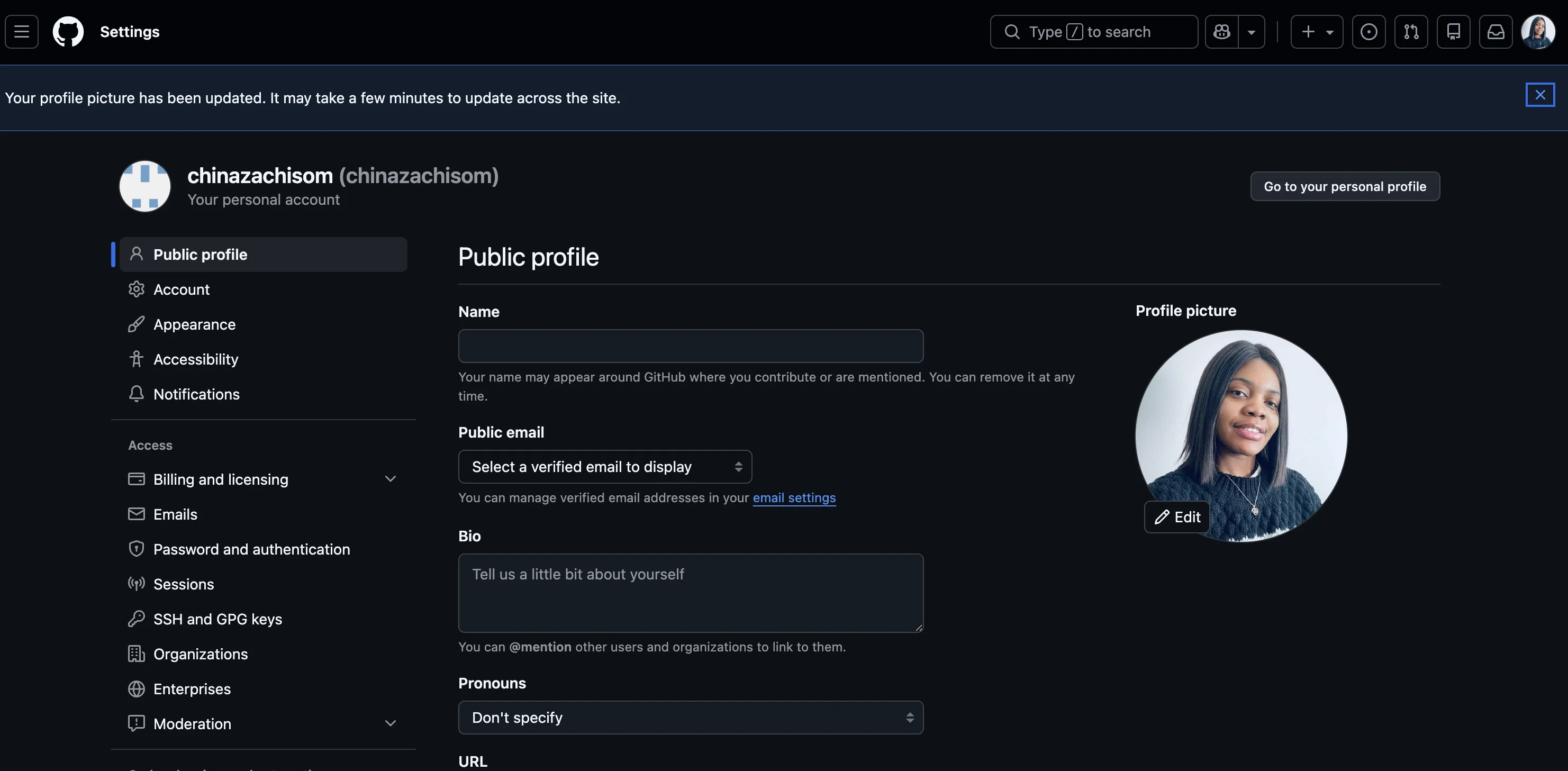
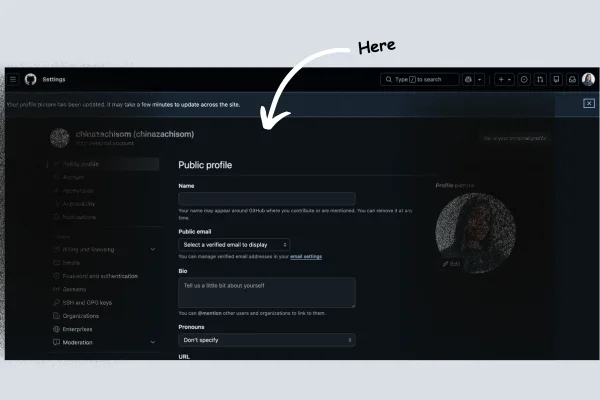
Start with the basics, but handle them with intent. Your profile photo shouldn't just be an avatar; it should be recognizable and professional. More importantly, the public metadata—location, social handles, and professional descriptions—should be treated as data points for searchability. You can update these via the settings interface, ensuring the information is current and aligned with your stated career trajectory. A profile left in a state of default neglect signals a lack of attention to detail that rarely sits well with high-performing engineering teams.
Architecting Your Profile README
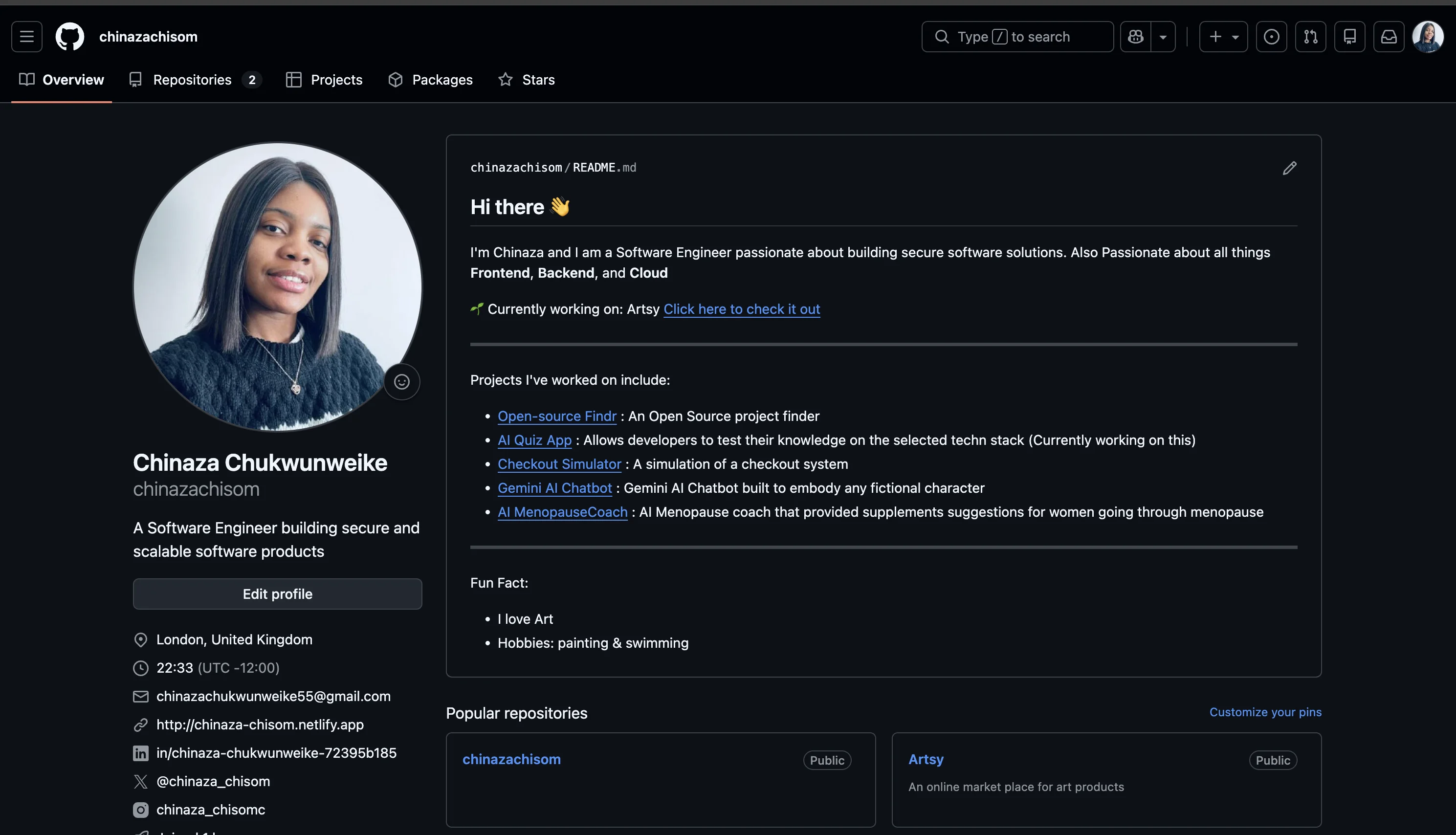
The most significant shift in GitHub’s personal branding occurred with the introduction of the special repository that renders as a header on your landing page. If you have not created a repository named identically to your username, you are essentially leaving your front door locked to visitors. This Profile README acts as your technical introduction.
The trap here is the urge to over-engineer it. You do not need a bloated dashboard of automated stats or overly complex animations. Instead, provide high-signal information: what you are currently building, the domains you are specializing in, and the specific problems you are interested in solving. An effective README tells a visitor what you have done, but a great one tells them what you are capable of doing next.
The Repository: Moving Beyond "Code Dumps"
Perhaps the most neglected aspect of a developer’s profile is the individual repository README. A repository without a robust README is just a cloud-synced folder of code. To turn these into portfolio pieces, you must document the "why" alongside the "how."
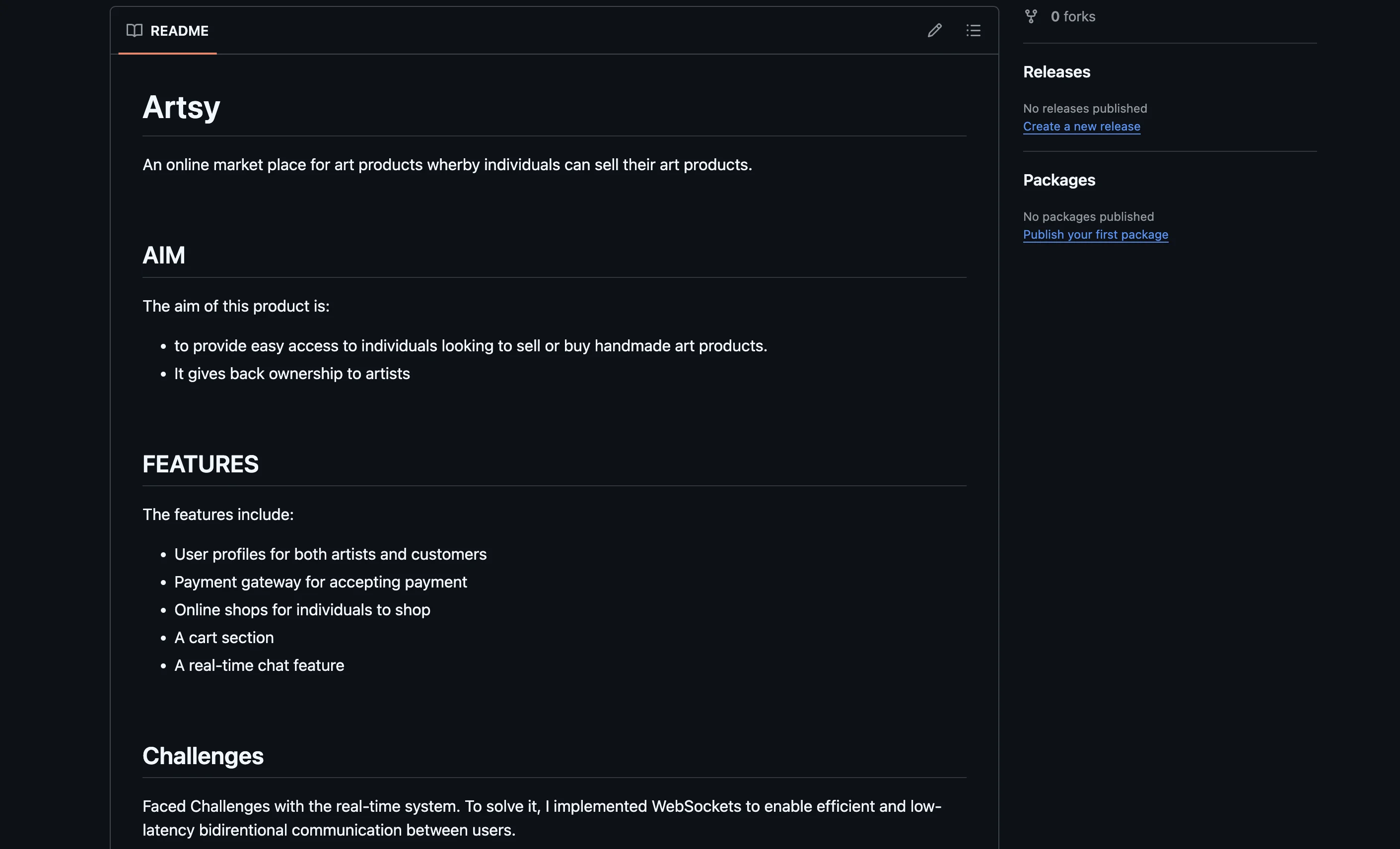
Every repository you choose to highlight should articulate the following:
- The Problem Statement: Define the technical hurdle you were attempting to clear.
- The Architectural Strategy: Briefly explain the technical concepts used, such as caching layers, throttling, or specific design patterns.
- The Friction: Document the roadblocks you encountered during development and the logic used to bypass them. This is the closest a recruiter can get to seeing your actual debugging process.
- Visual Evidence: If applicable, provide a video demo, an architecture diagram, or a link to a live instance.
For a look at how this effectively aggregates into a project landing page, examine this example repository.
Moving Toward Intentionality
Ultimately, your GitHub account is a living system. A neglected repository that was abandoned two years ago without context reflects poorly; an active repo with a clean, documented history demonstrates engineering maturity. You should treat these profiles as you would treat a product you’re shipping: optimize for the end-user. If the end-user is a technical recruiter, make the documentation scannable and rich in relevant keywords. If the end-user is a prospective peer, make the code structure and architectural reasoning clear and accessible.
The goal is not to have a "perfect" profile with high metrics, but to have a profile that accurately reflects your professional identity. When you take control of how your work is presented, you gain influence over how the industry perceives your technical capability. Do not wait for an active job search to curate this; maintain your documentation as you push commits, and you will find that your profile naturally grows into a compelling, self-sustaining record of your career.